Your AI images look AI. We make them look real.
This isn't upscaling. Generative Detail Reconstruction re-renders your AI image as a photograph - real skin, real light, real texture - and rebuilds it at up to 4x resolution.

One Click
Upload → Real photo
Two-Stage GDR
Up to 4x, print-ready
Try it right here
Drop an image. Watch it become real.
Your first conversion is free - no sign-up, no card. Pick a realism level, hit Enhance, and you'll be watching the conversion in seconds.
Drop your AI image here
or click to browse - JPEG, PNG or WEBP up to 25MB
Extreme realism and 4x output are member features - any pack or plan unlocks them.
First conversion free · no account needed · you'll see the result on an interactive before/after slider
Real conversions
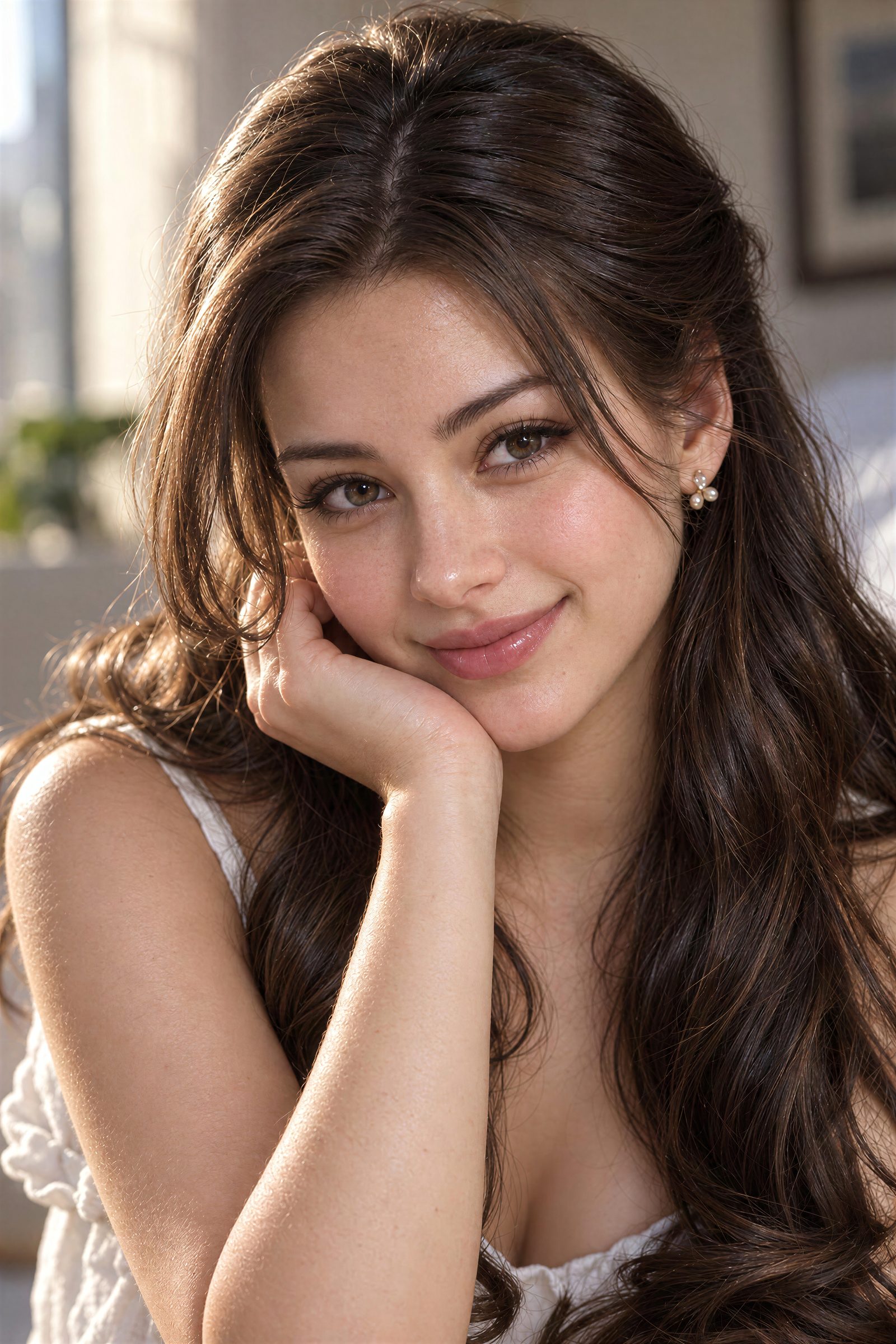
Faces are where AI gives itself away
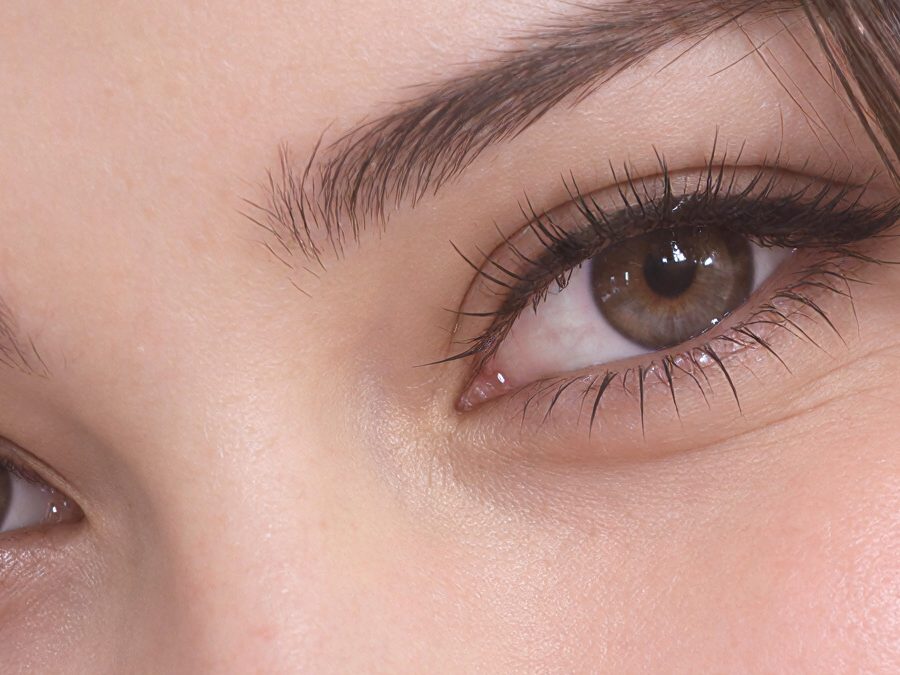
Skin, eyes and hair are the first things people read as fake, and the first things PhotoRealify rebuilds. Drag any divider, or hit the expand icon to open it full screen and zoom into the pores.
Airbrushed AI portrait → natural skin and light
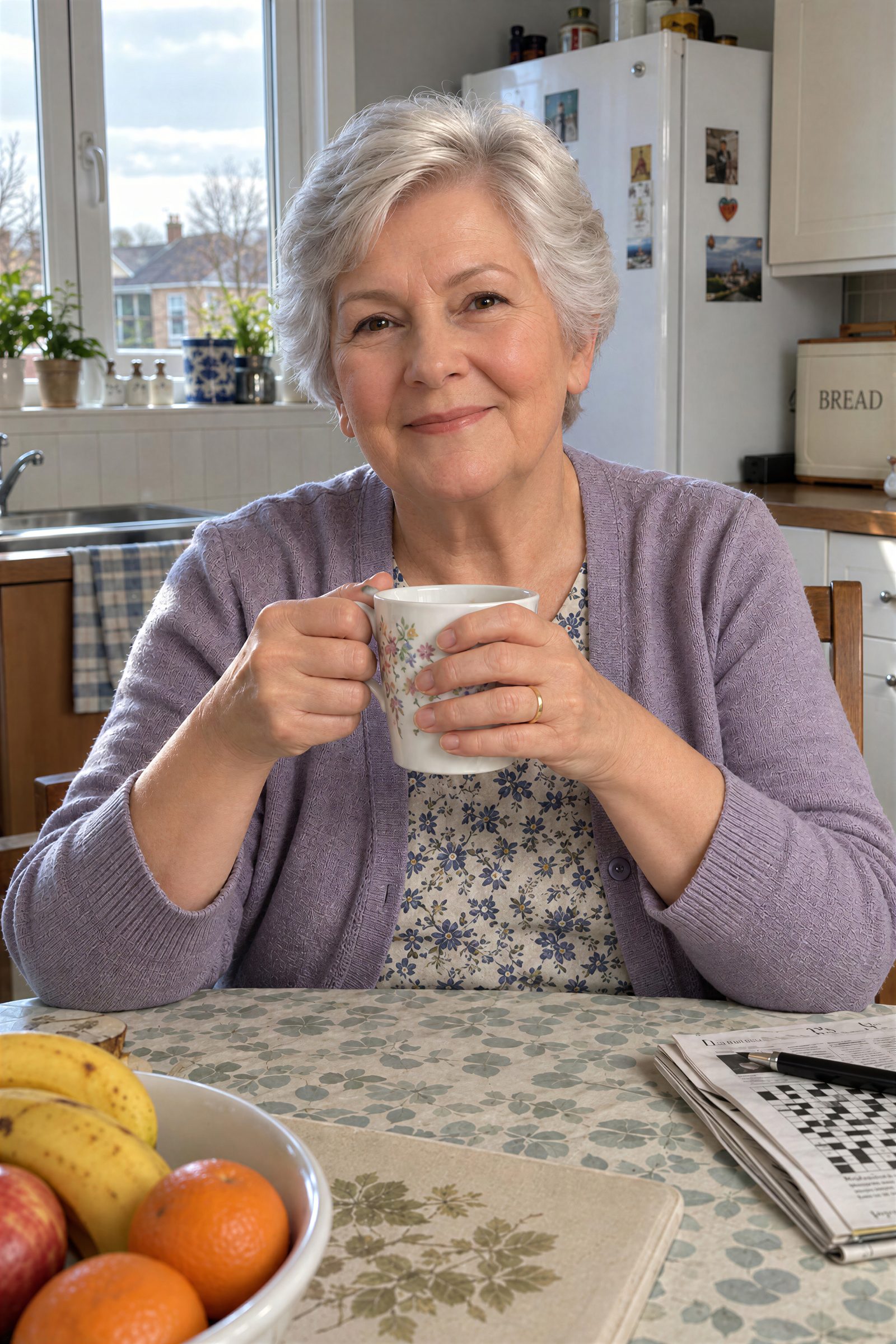
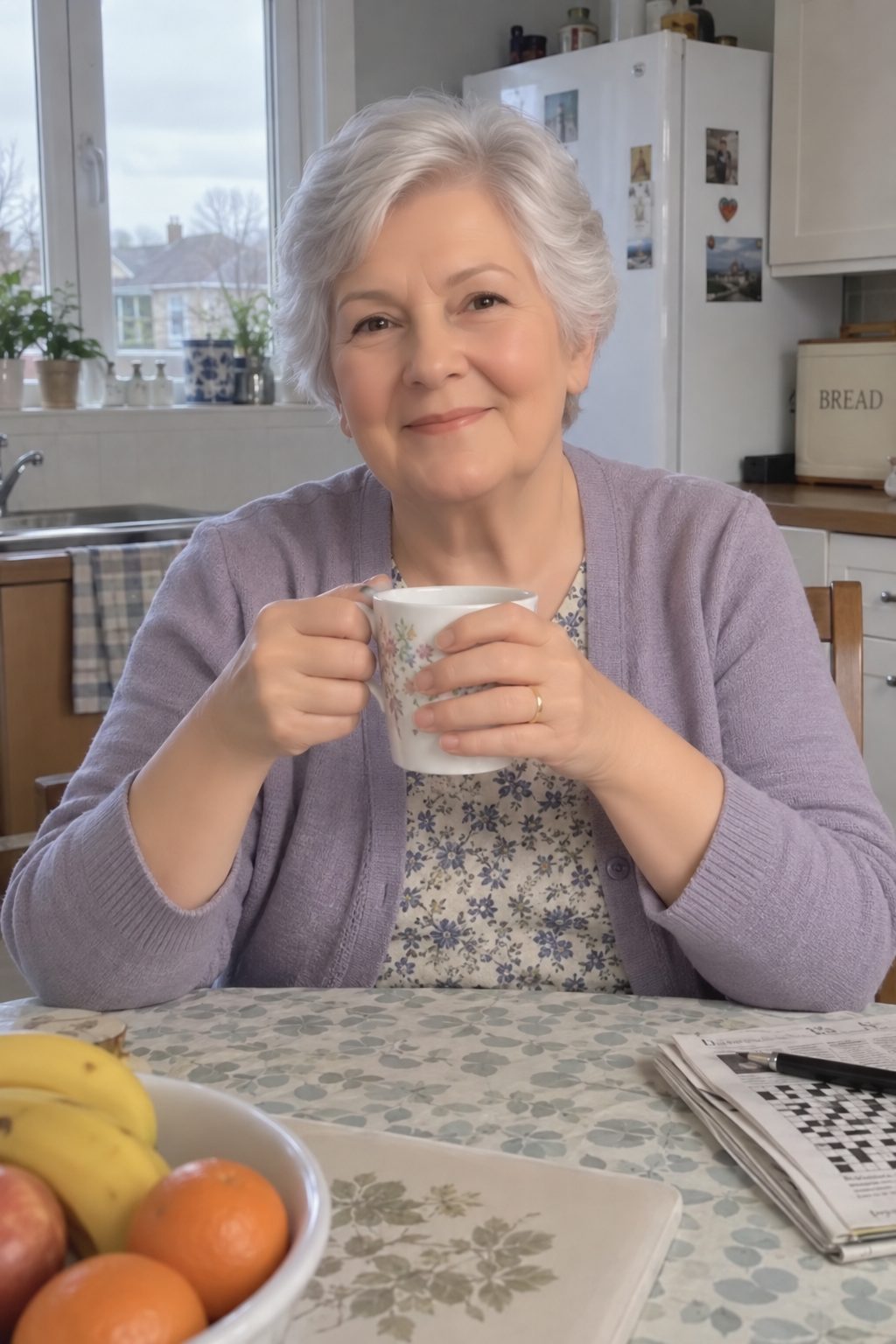
Waxy AI skin → every line and freckle
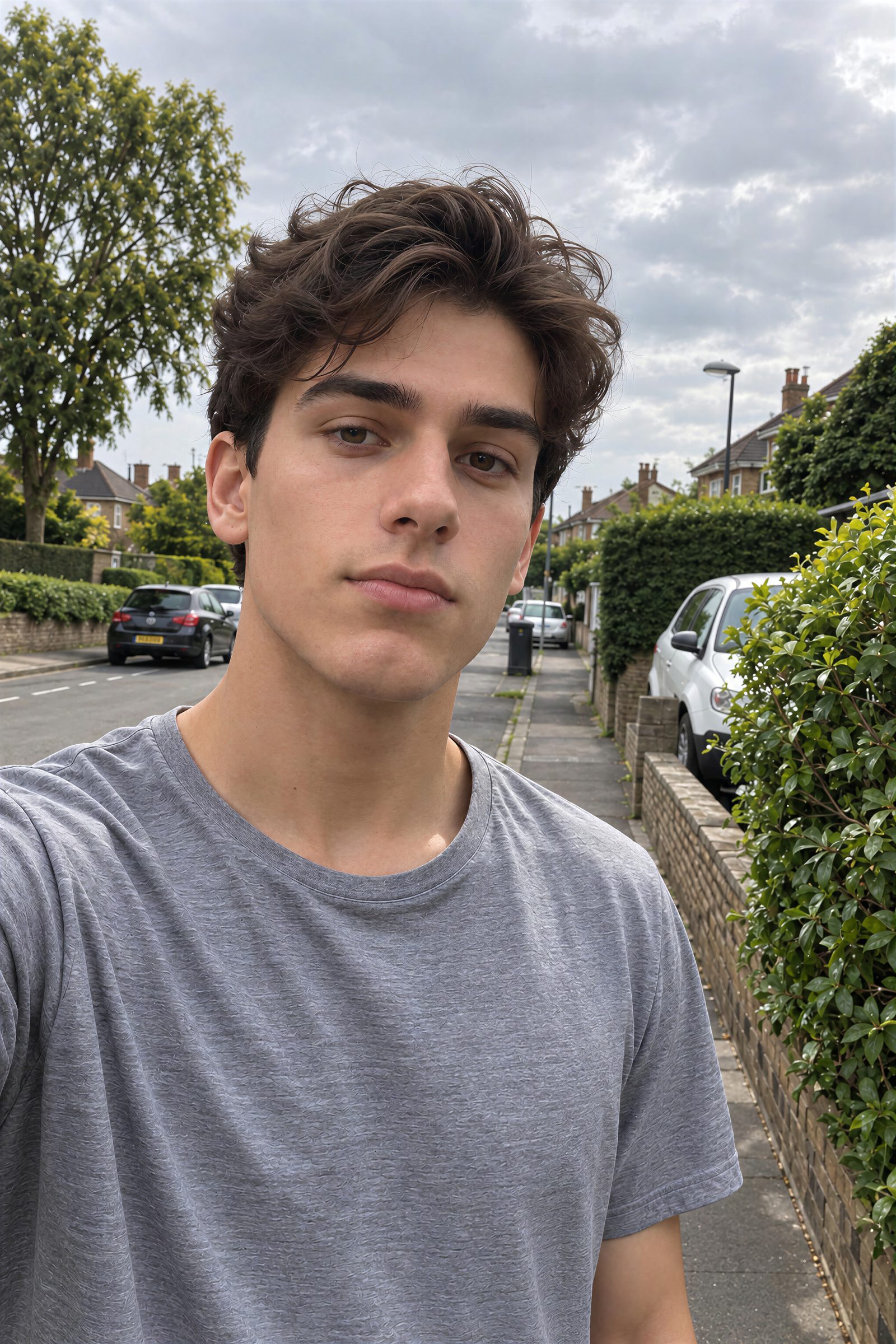
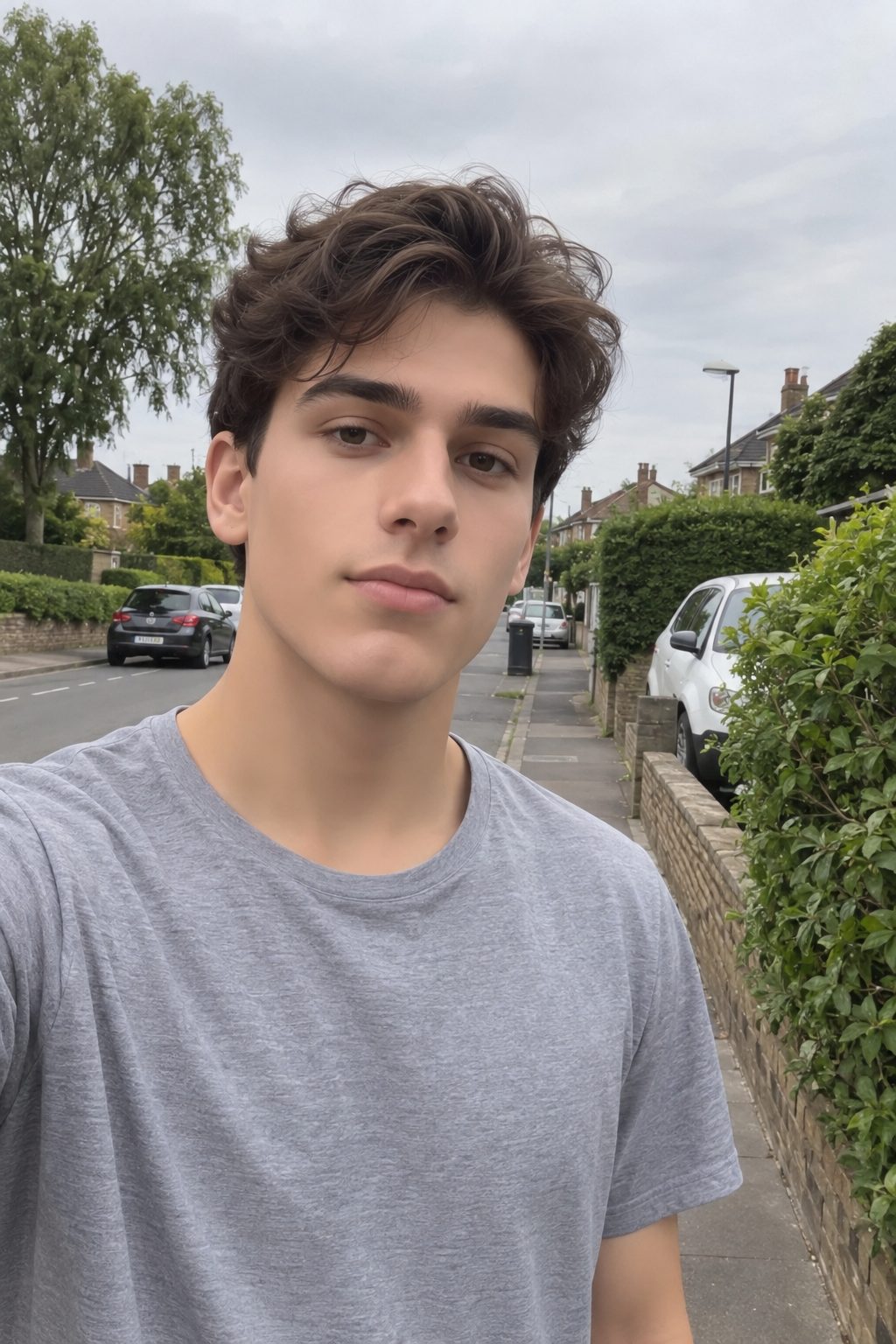
Plastic AI selfie → a photo off a phone
Zoom in. Pixels don't lie.
At 100% zoom the AI look falls apart - plastic skin, mushy hair, smeared texture. Here's the same spot in the converted photo. Drag each one.
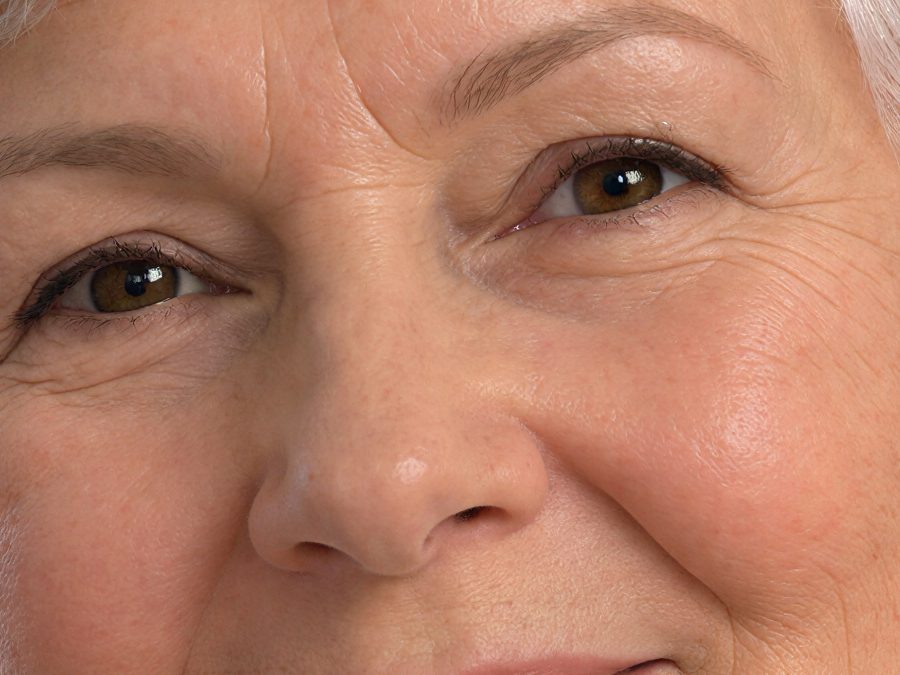
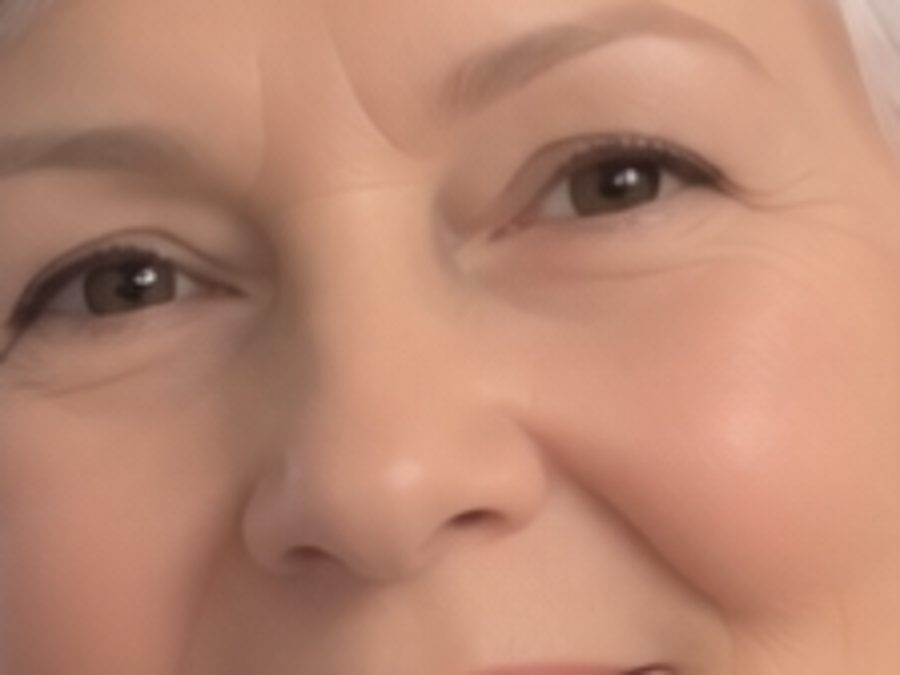
This is not an upscaler.
Upscalers make your AI image bigger. It stays just as fake. Generative Detail Reconstruction™ rebuilds it as a photograph - then makes it bigger. Same source, same 4x, two completely different outcomes:
What an upscaler does
The same AI image - just bigger.
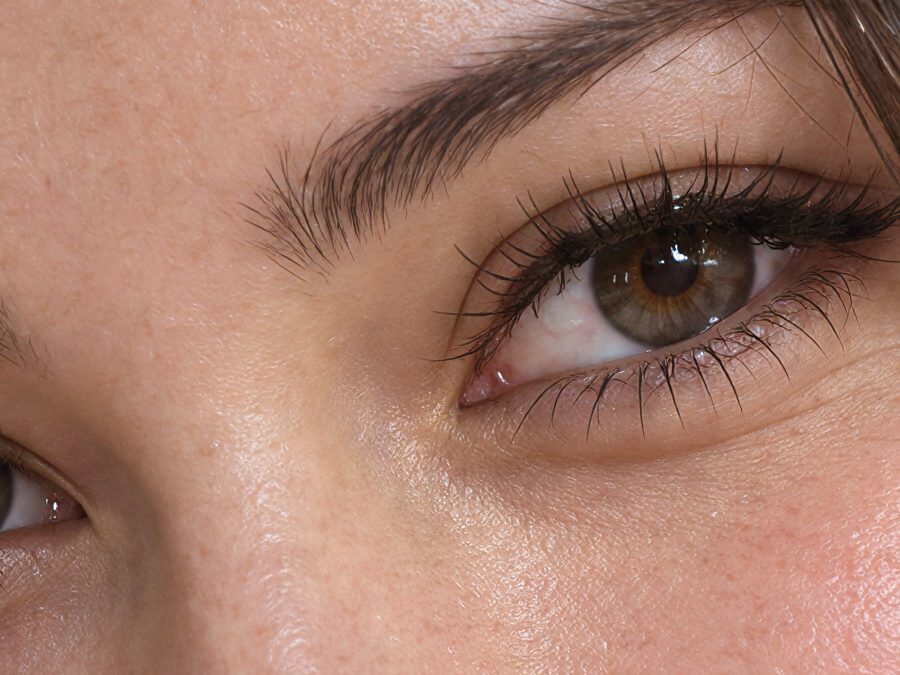
What Generative Detail Reconstruction™ does
An image people read as real.
The technology
Inside Generative Detail Reconstruction™
Two generative stages, one click. Below the pipeline is the same spot in the same image after each stage - including the real intermediate our engine produces halfway through.
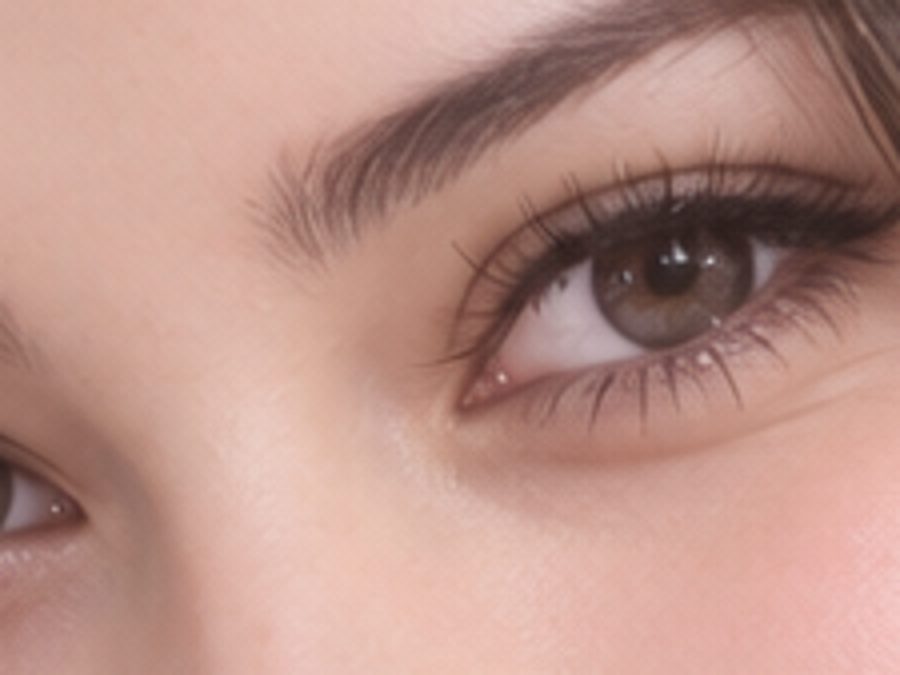
Your AI image
Smooth, waxy, unmistakably generated. Every surface is an approximation of a texture rather than the texture itself.
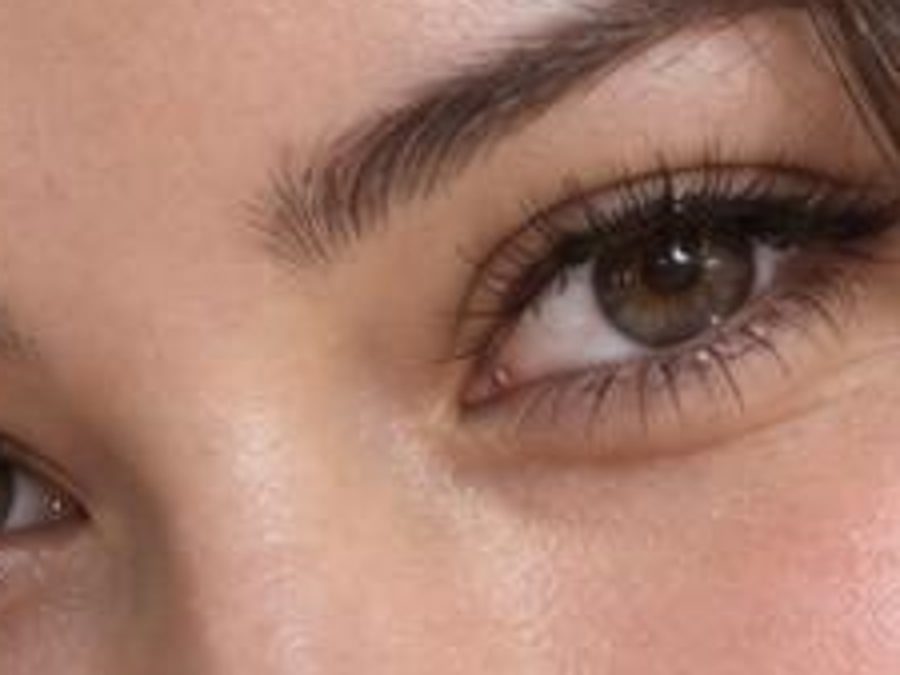
Reality Pass
The image is re-rendered as a photograph. Skin, light and materials are rebuilt from scratch - same size, completely different substance.
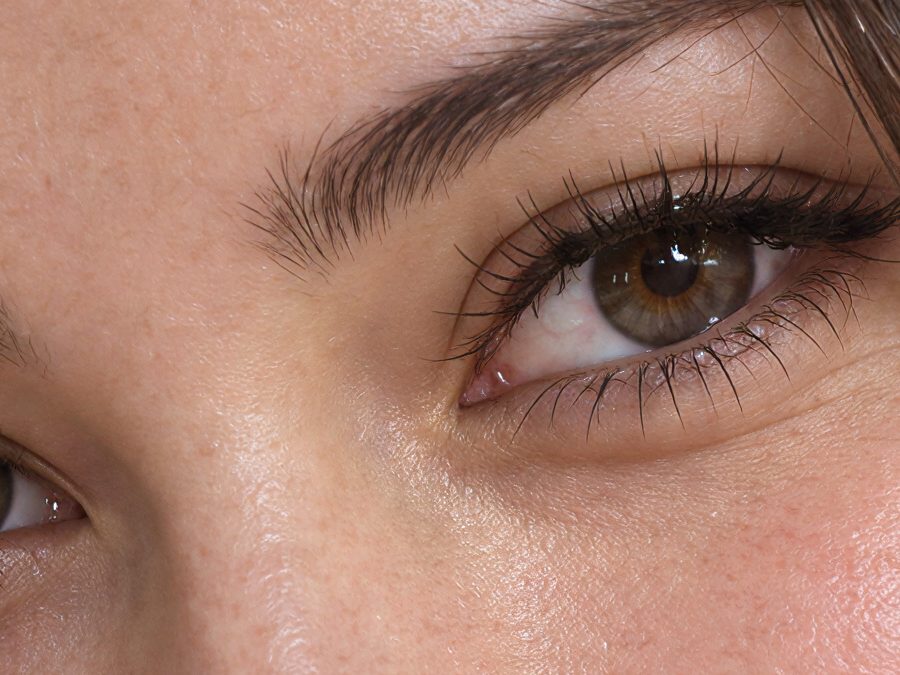
Detail Synthesis
Resolution is rebuilt with generated micro-detail - pores, strands, fabric fibers - up to 4x. Nothing is stretched; it is reconstructed.
Shown at 100% zoom. Stage two is the untouched output our engine hands to the final stage - not an illustration.
Why this wasn't possible last year
Rebuilding an image as a photograph - keeping the face, the pose and the composition while replacing every surface with real photographic material - only became possible with the latest generation of generative models. Until now, getting this result meant a specialist upscaler, a retoucher, and hours per image. GDR does it in about a minute, for anyone.
For sellers
Product shots that actually sell
Shoppers trust photographs, not renders. The same conversion, pointed at the things you're trying to sell.
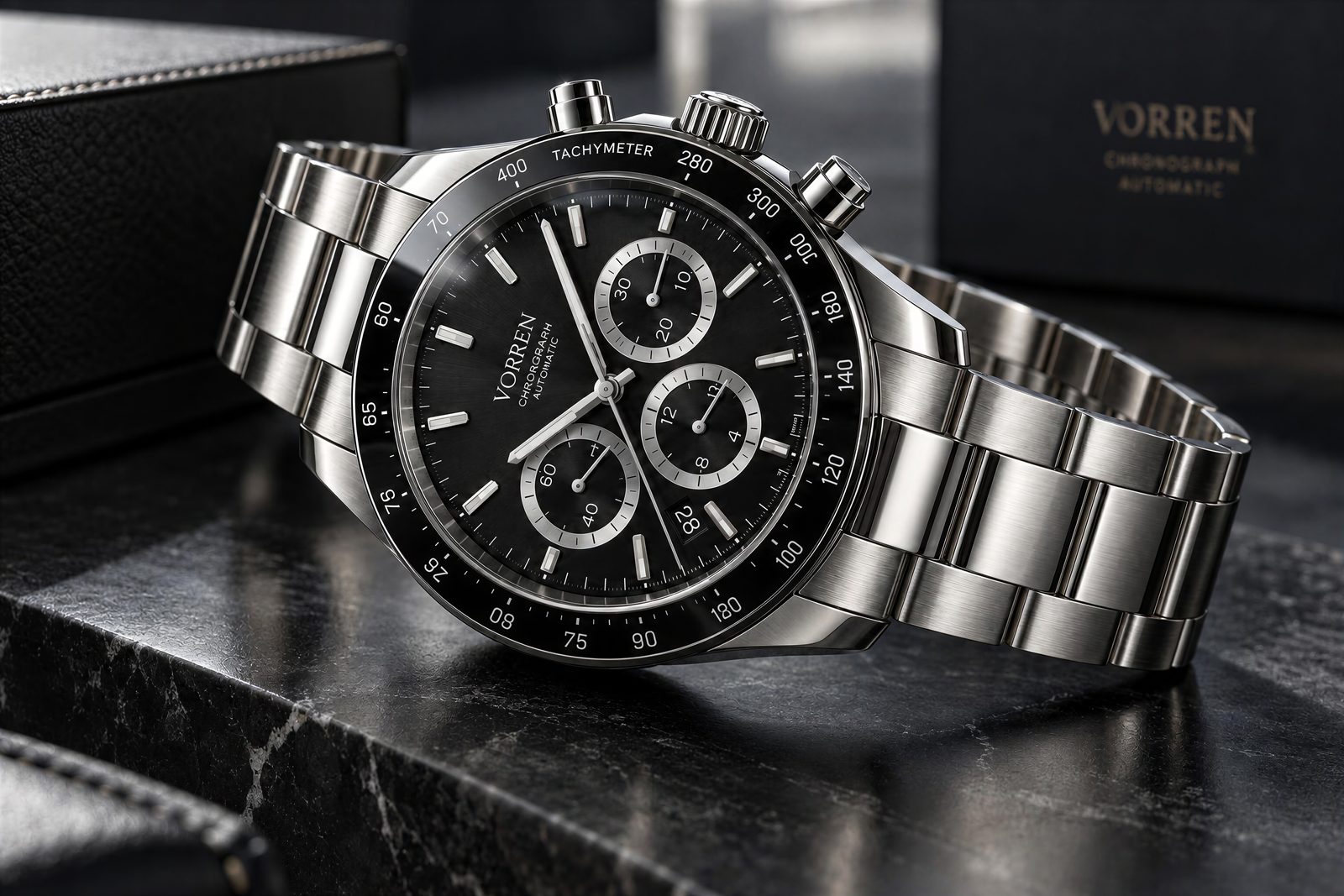
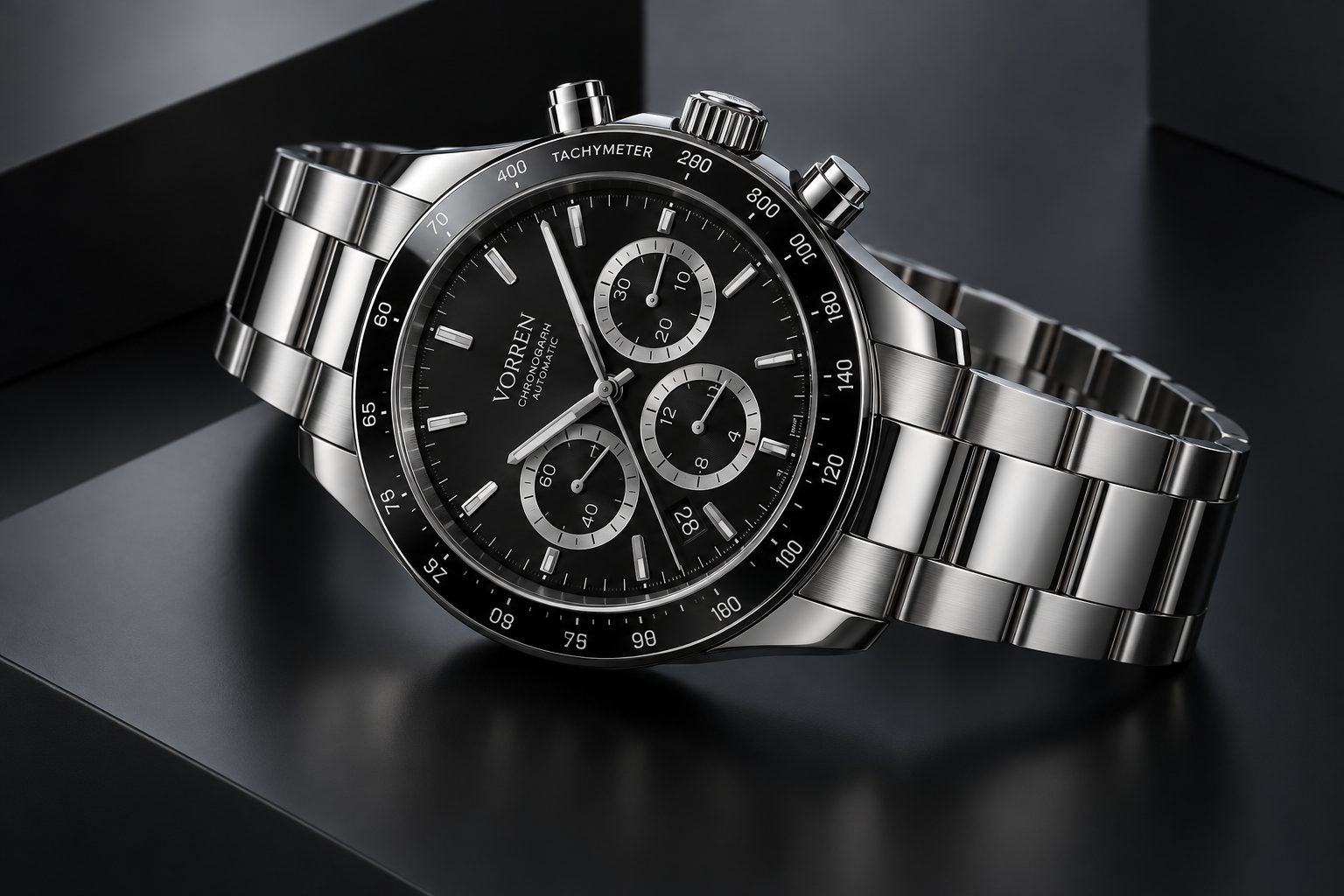
Clean CGI render → studio product photo
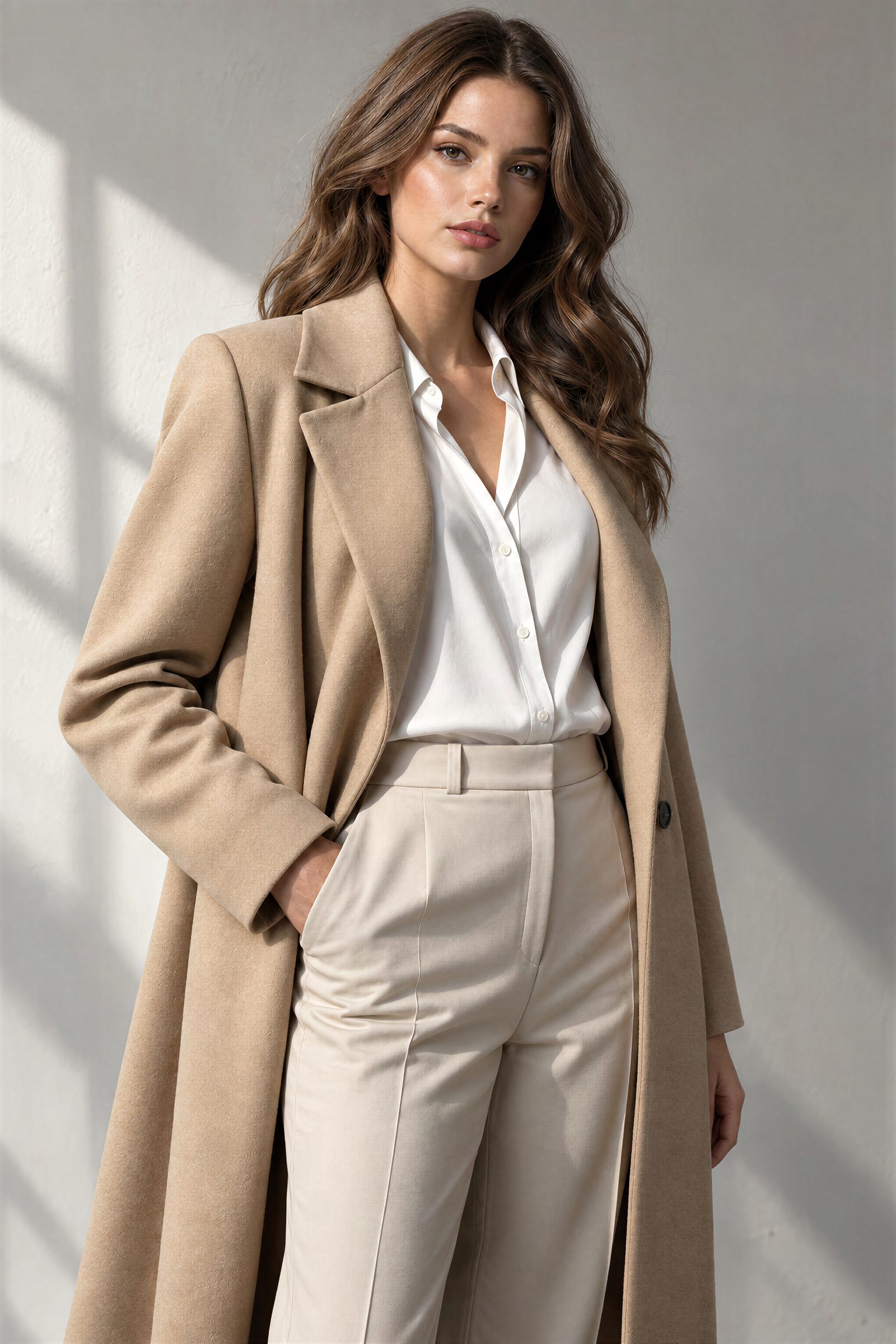
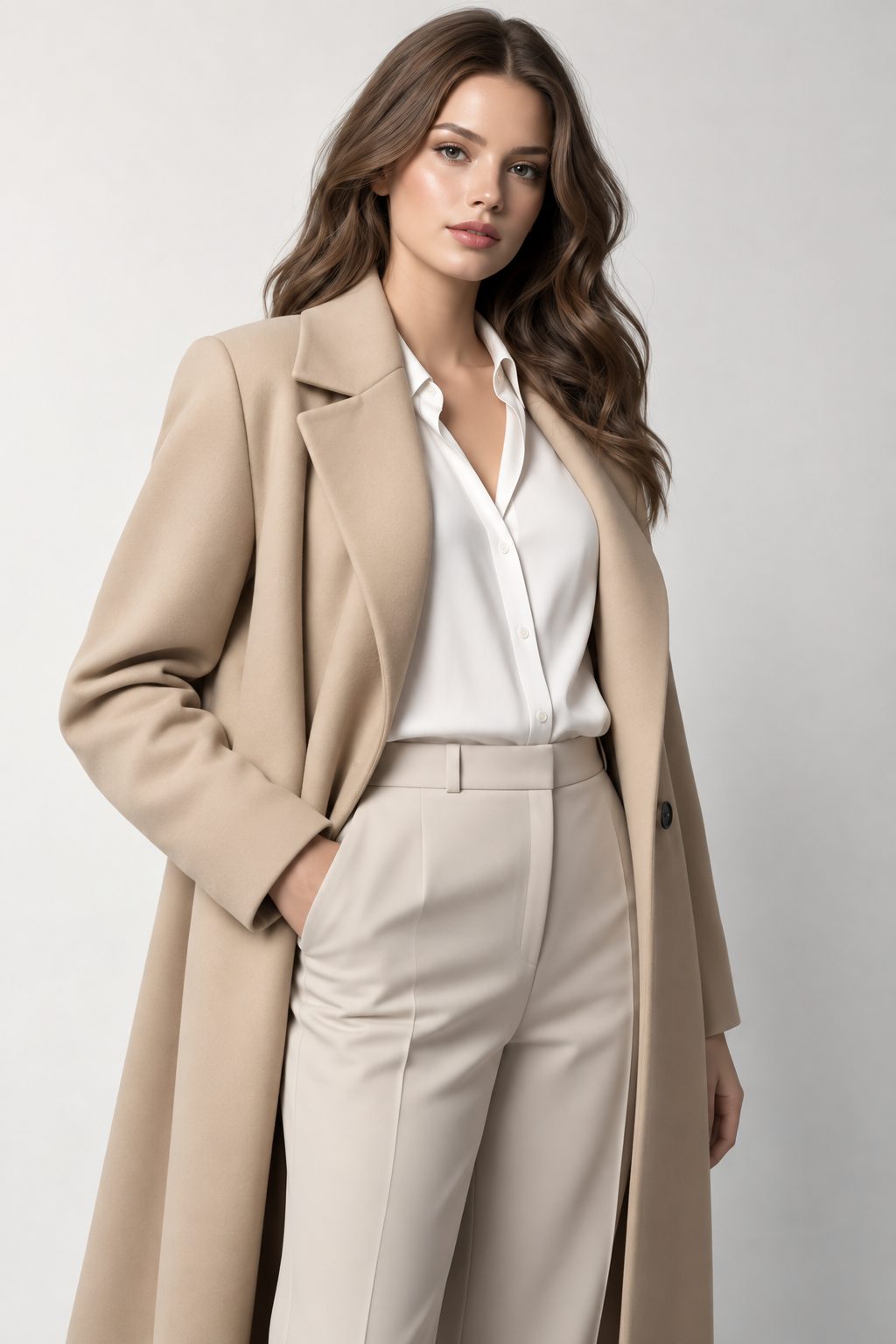
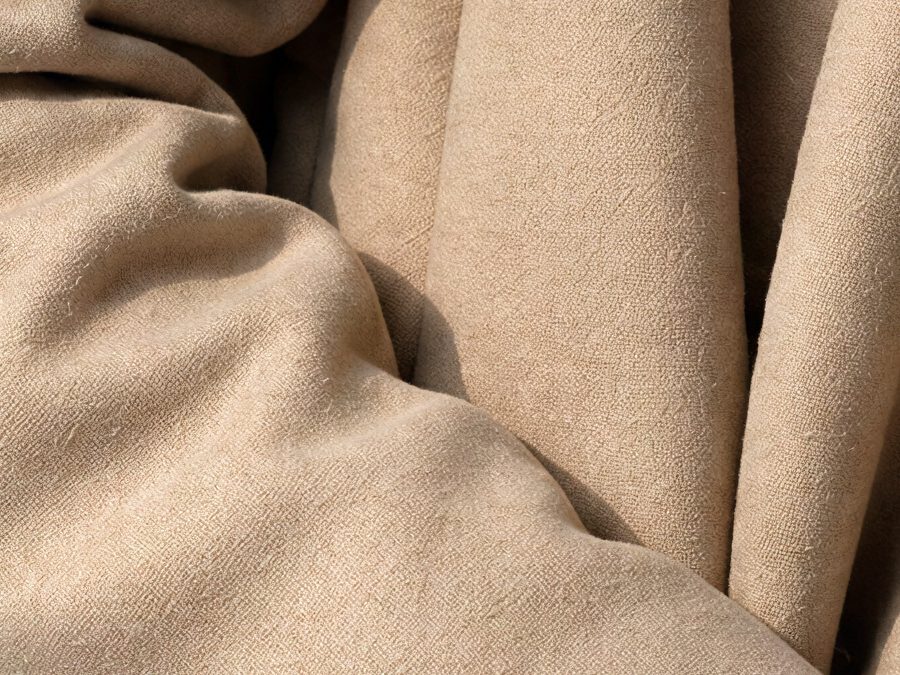
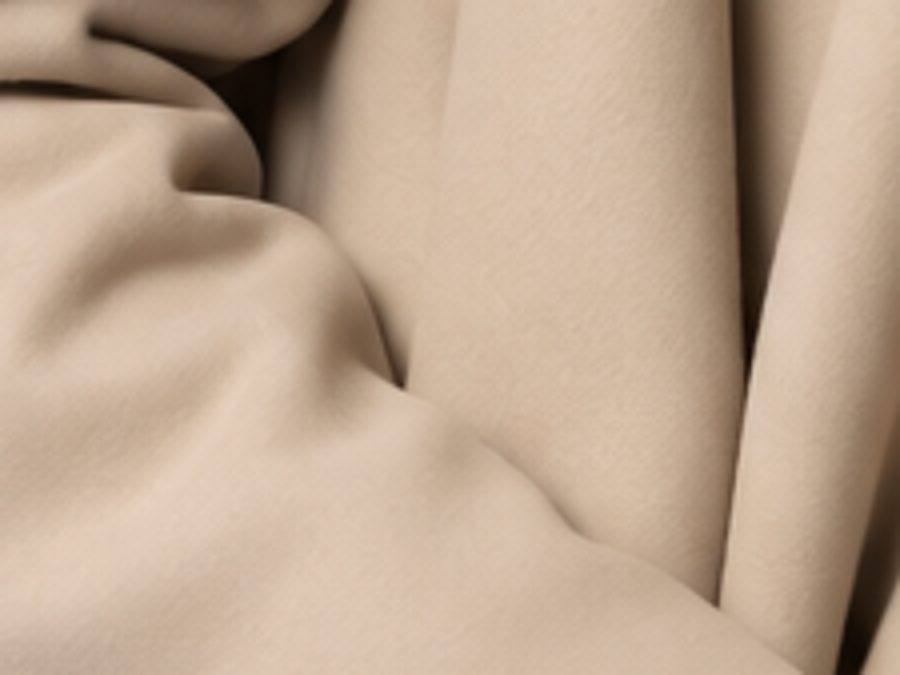
Flat AI fabric → real wool weave
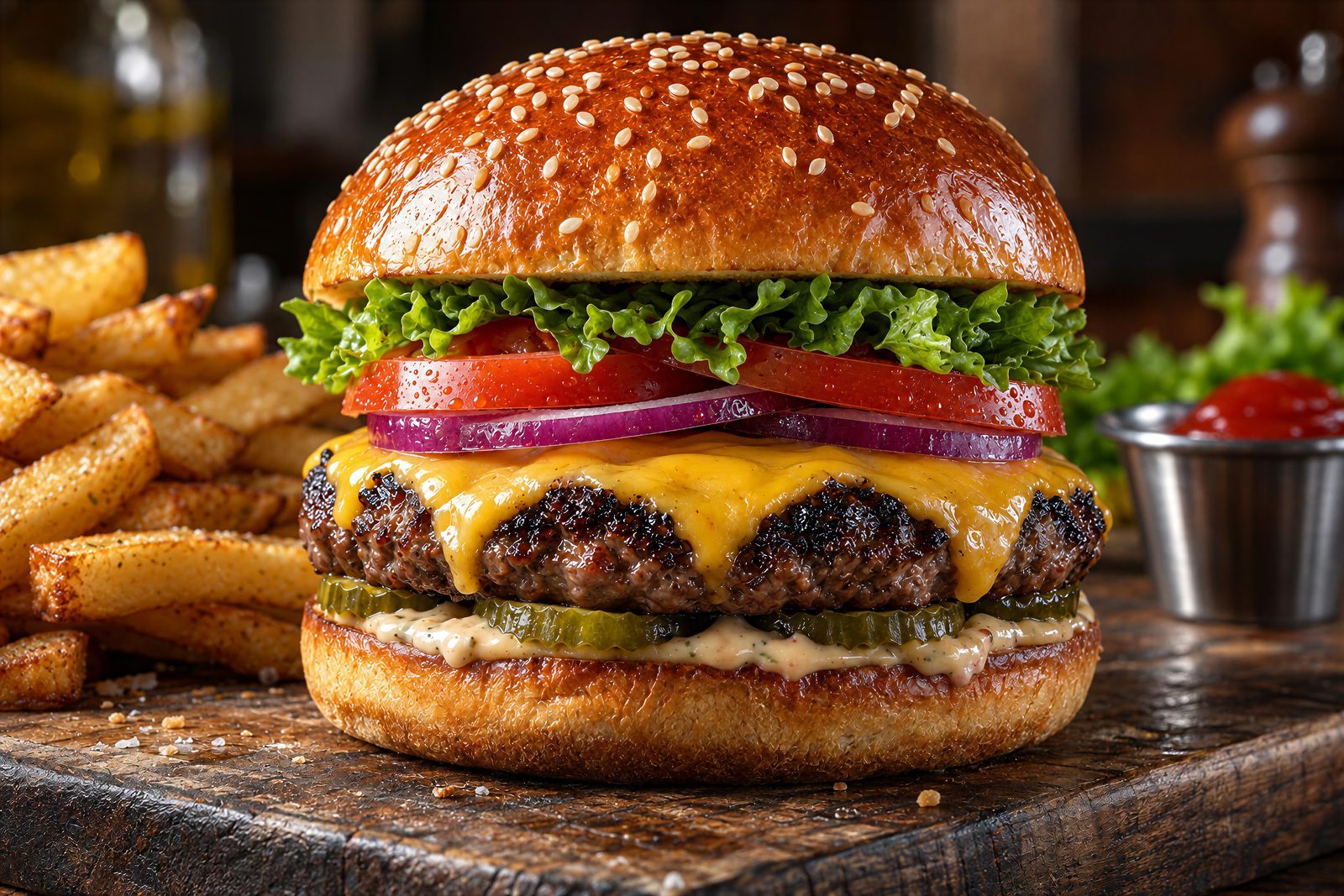
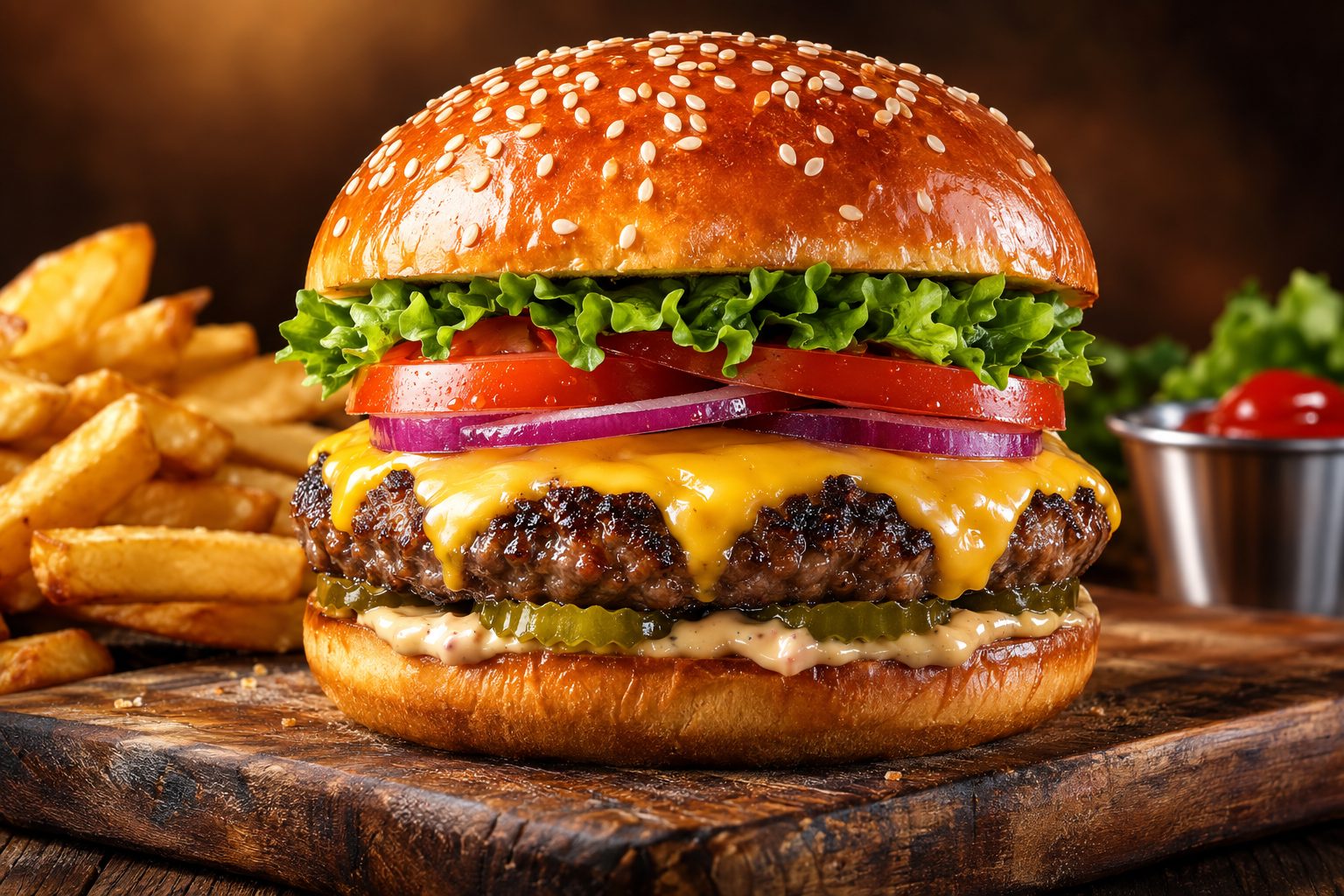
Glossy AI food render → shot-on-camera look
And everything else
Any surface that should look real
Interiors, pets, food, landscapes. If it has a texture the AI only approximated, PhotoRealify rebuilds it.
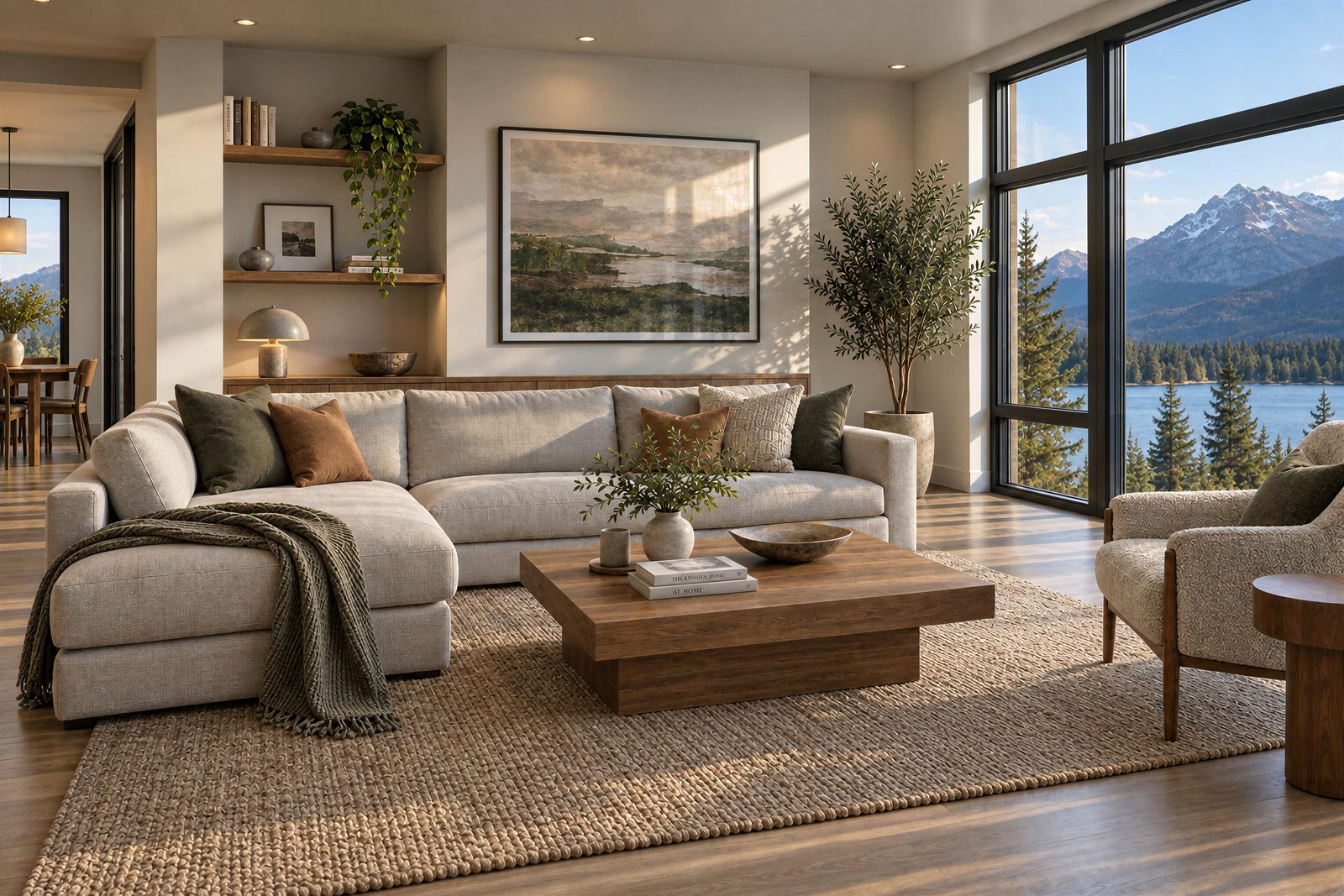
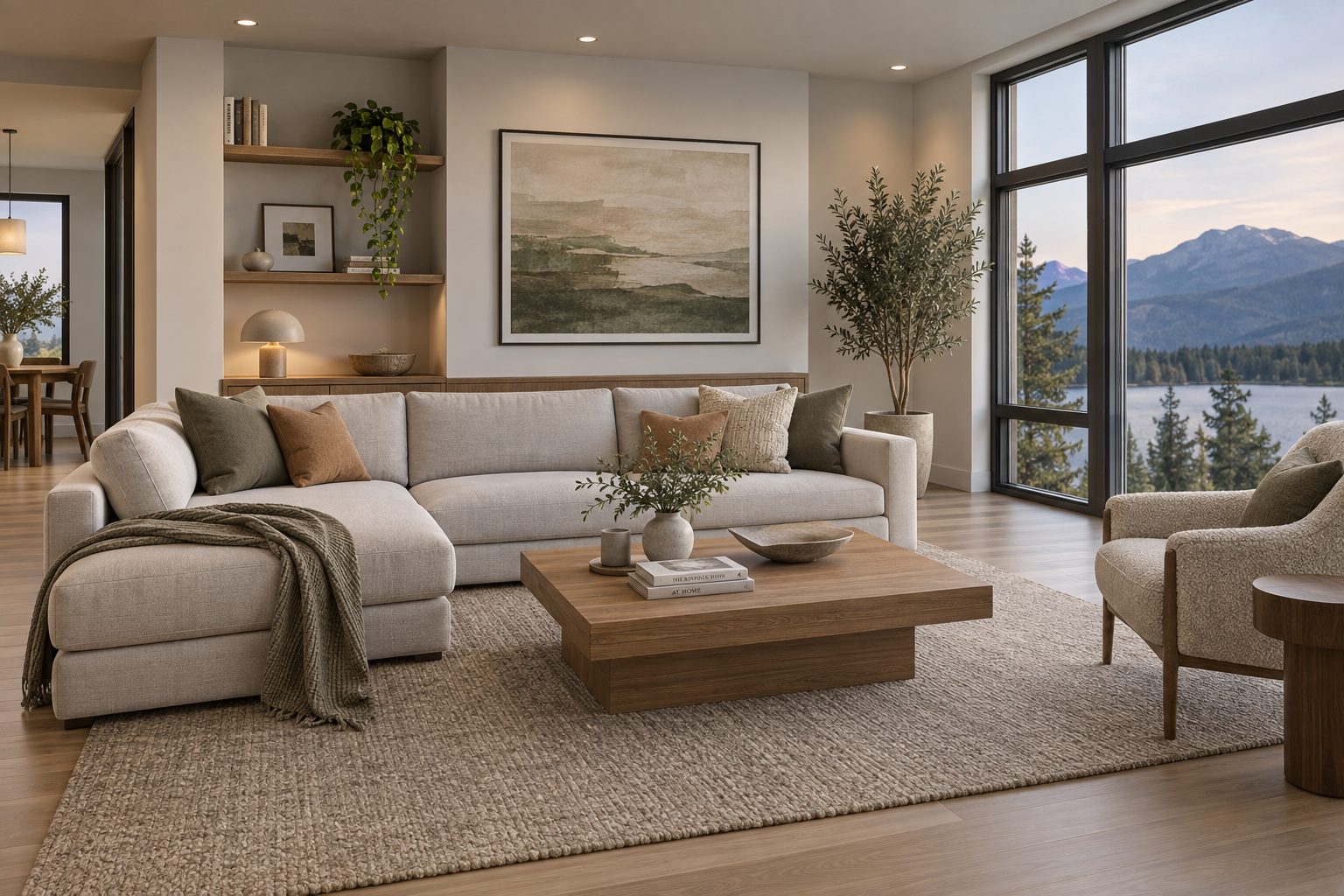
CGI interior render → real-estate photograph
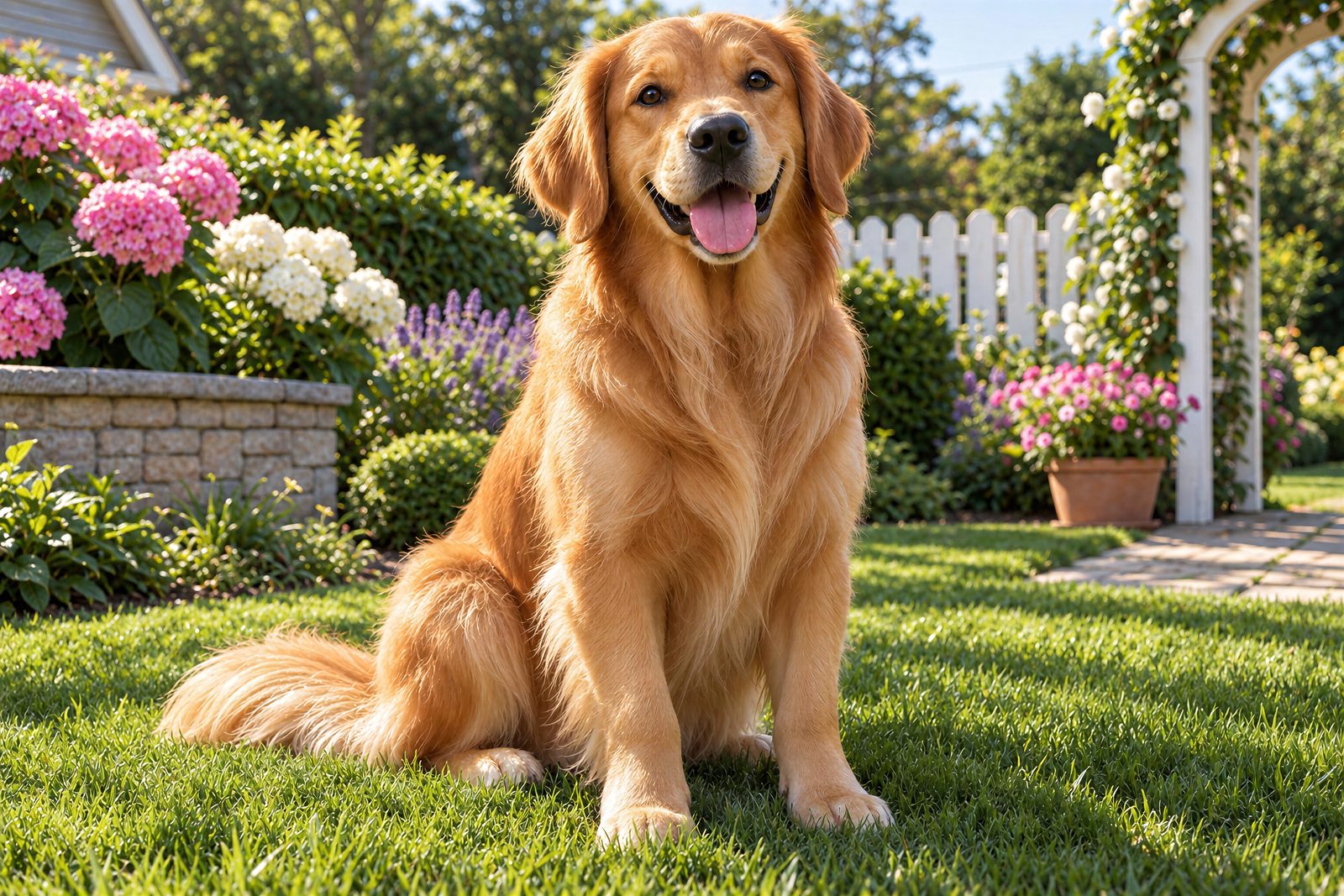
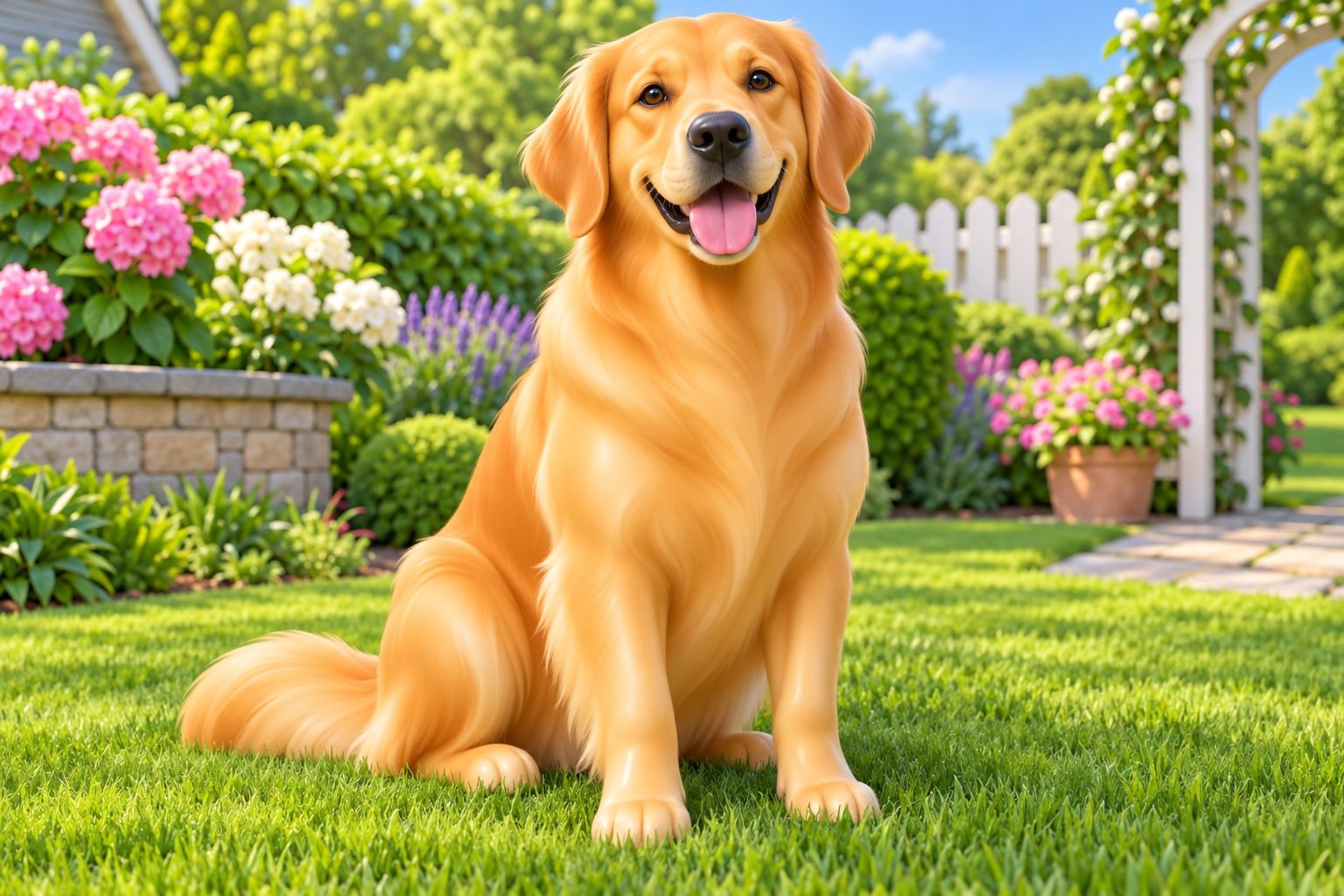
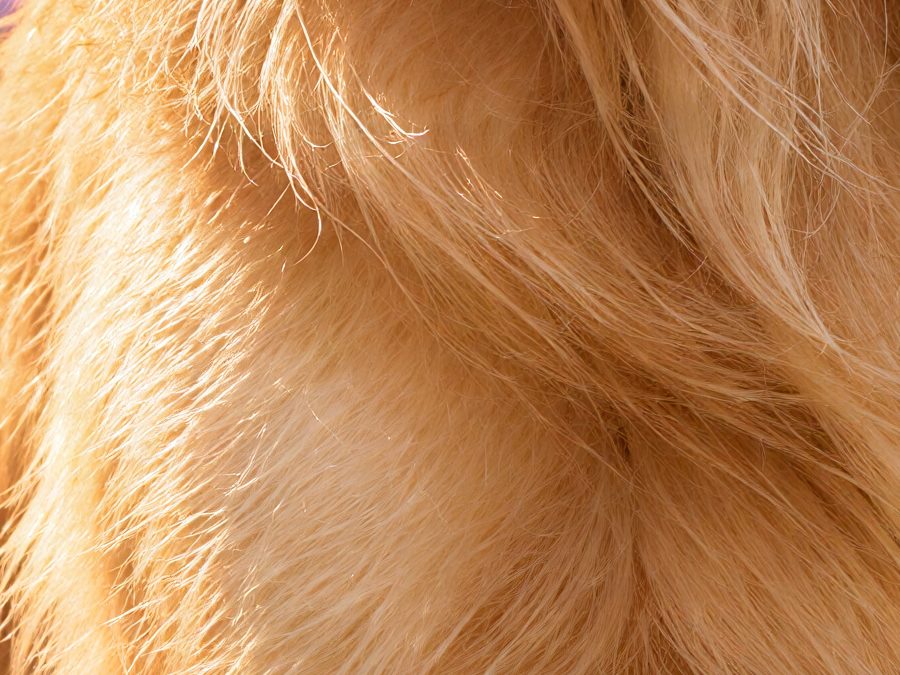
Painted AI fur → individual hairs
From 'obviously AI' to 'is this a photo?' in three steps
No prompts to master, no editing skills, nothing to install.
Upload Your AI Image
Any AI image - Midjourney, DALL·E, Stable Diffusion, game renders. JPEG, PNG or WEBP up to 25MB.
GDR Rebuilds It As A Photo
Generative Detail Reconstruction re-renders skin, light and materials as a photograph, then reconstructs the detail at up to 4x - automatically.
Download a Photo
Compare before and after on a slider, then download a high-resolution image that reads as a real photo.
You control how real it gets
The same AI image, the same zoomed spot - at every realism level. Most people never leave High.
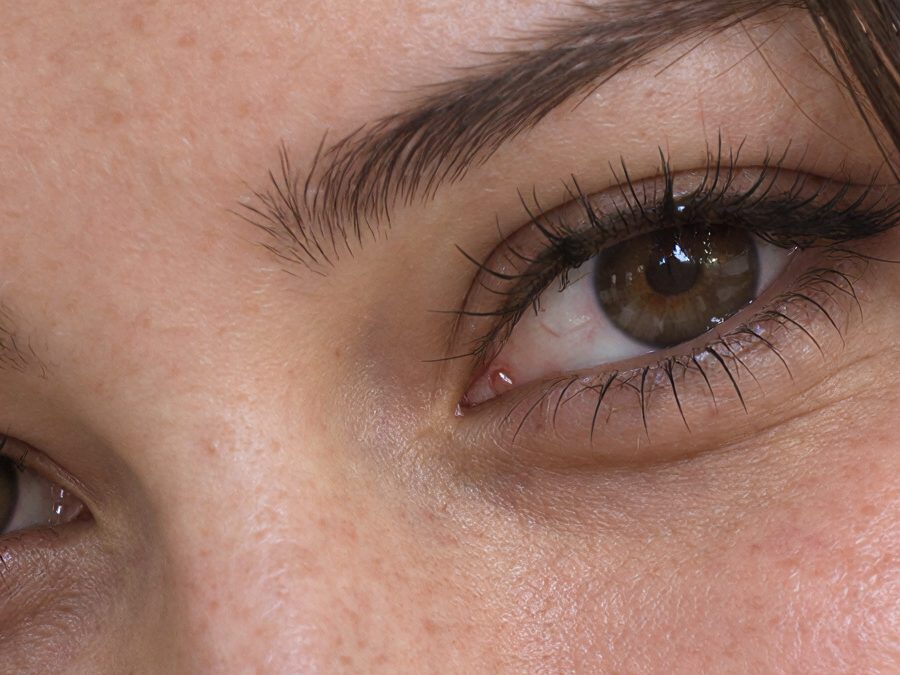
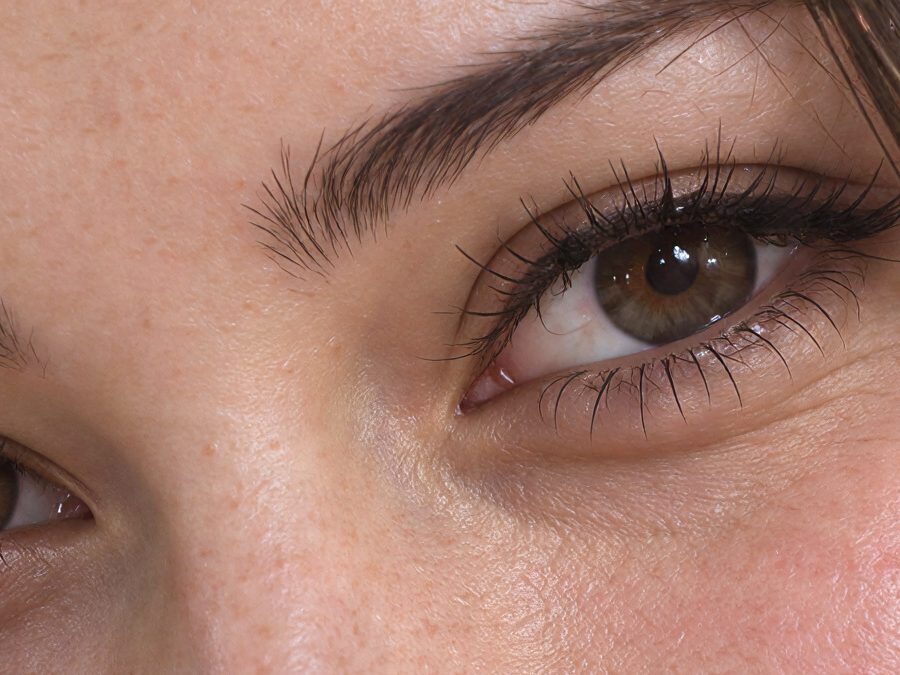
Genuine outputs of the same source image at 100% zoom, 4x upscaled.
If you publish AI images, this is for you
The models got you 90% there. PhotoRealify is the last 10% - the part people actually notice.
Creators & Influencers
AI avatars and thumbnails that pass the squint test - followers see a photo, not a render.
E-commerce & Ads
Concept product shots that look shot in a studio. Realistic visuals convert; renders don't.
AI Portraits & Avatars
Profile pictures with real skin and real light - not the airbrushed AI glow everyone recognizes.
Concept Art & Worlds
Turn painterly concepts into location-photo realism for pitches, covers and prints.
Pricing
Priced in real conversions
Your first conversion is free - no card required. Then every plan draws from one monthly allowance that covers all realism levels and output sizes.
Starter
The easy way in - a light monthly allowance
60 credits / mo
≈ 30 High-realism conversions / month
or ~5 Extreme (4x) conversions
Unlocks Extreme realism and 4x output
Buy extra credits anytime
Batch upload (up to 10 images at once)
JPEG, PNG, and WEBP up to 25MB
Basic
For getting your feet wet - a steady monthly conversion allowance
200 credits / mo
≈ 100 High-realism conversions / month
or ~16 Extreme (4x) conversions
Unlocks Extreme realism and 4x output
Buy extra credits anytime
Batch upload - 2 convert in parallel
Interactive before/after comparison
JPEG, PNG, and WEBP up to 25MB
Pro
For creators and shops publishing realistic images every week
500 credits / mo
≈ 250 High-realism conversions / month
or ~40 Extreme (4x) conversions
Unlocks Extreme realism and 4x output
Buy extra credits anytime
Batch upload - 3 convert in parallel
JPEG, PNG, and WEBP up to 25MB
Ultra
For high-volume pipelines - agencies, stores, and power users
2000 credits / mo
≈ 1000 High-realism conversions / month
or ~165 Extreme (4x) conversions
Unlocks Extreme realism and 4x output
Buy extra credits anytime
Batch upload - 5 convert in parallel
Priority support
JPEG, PNG, and WEBP up to 25MB
Prices are listed in USD. Applicable taxes and any supported local currency are shown at checkout. Subscriptions renew monthly until cancelled.
Credits are SaaS usage units for using the platform. They are not money, stored value, or transferable value, and cannot be withdrawn, transferred, resold, or redeemed for cash. Every account's first conversion is free; after that, credits come with a subscription and extra credits can be purchased anytime. Included paid-plan credits reset each billing cycle and do not roll over. See our Refund Policy for full terms.
Frequently Asked Questions
Quick answers before your first conversion
No - and that's the whole point. An upscaler enlarges the pixels you already have, so a fake-looking image just becomes a bigger fake-looking image. Generative Detail Reconstruction re-renders your image as a photograph first - rebuilding skin, light and materials - and only then reconstructs it at high resolution.
Stop posting images that scream AI.
Upload one image and see it as a realistic photo - your first conversion is on us, no card required.